
Description
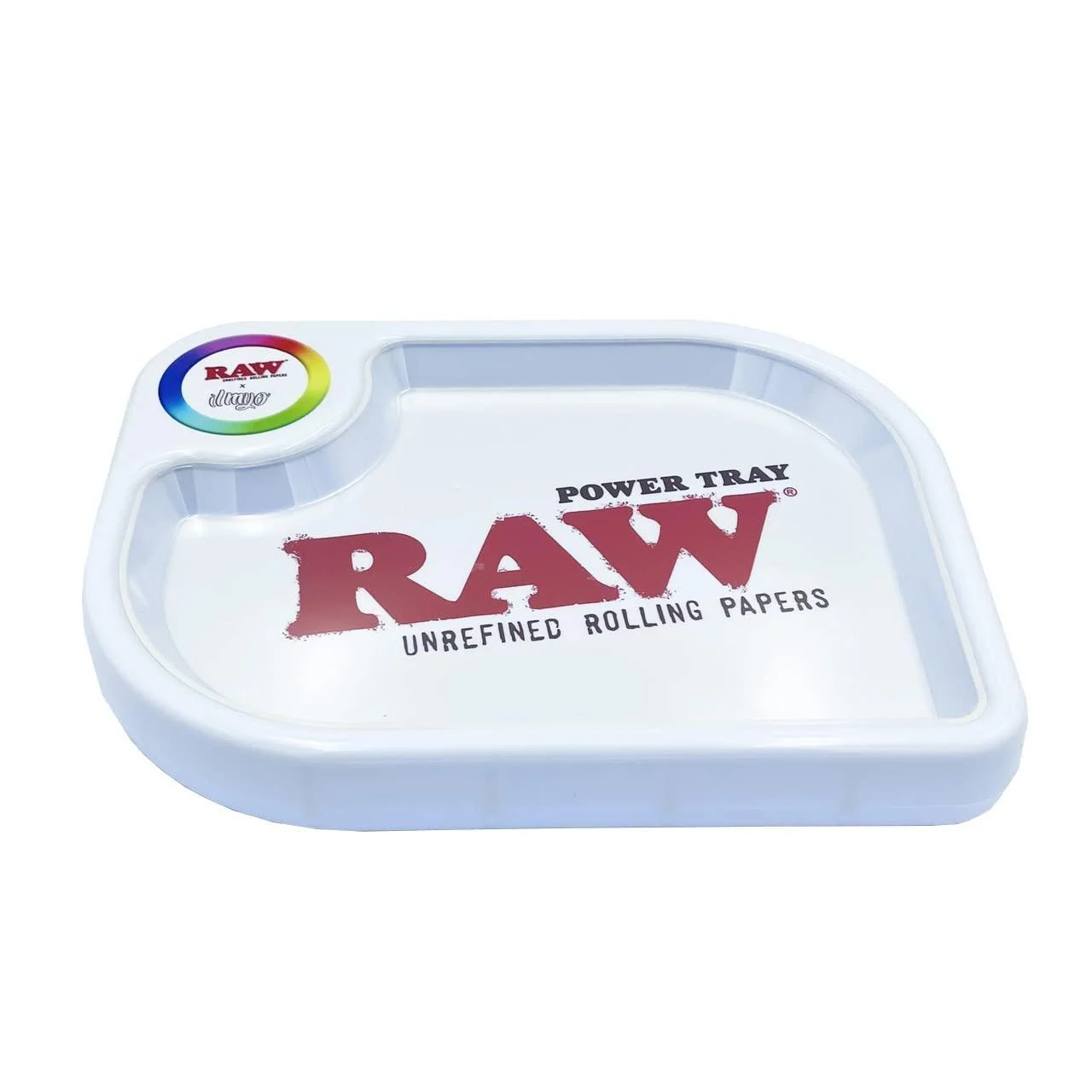
The RAW x ILMYO Power Tray is the newest rolling tray from RAW. Featuring LED lights. You can even customize the colour and brightness by using the rainbow dial on the top left. Use the mode menu to explore over 200 presets! You can also control the lights and colours via bluetooth by downloading the “RAW Power Tray” app for your phone. Phone battery running low? Plug your phone right into it for a little power boost to get you by. If your phone is compatible with wireless charging, simply place it on the colour wheel to charge. There’s a clear inset tray to protect the RAW logo from scratches during use. SIZE: 11.25″ x 8.5″ x 1.75″ Comes with a soft velvet dust bag to keep it safe while not in use. How to Control the RAW Power Tray LED Light with your phone: 1. Download the “RAW POWER TRAY” app from the Play Store or App Store. 2. Turn the tray on. Turn on bluetooth on your phone, and open the “RAW POWER TRAY” app. 3. Click the menu in the top-left corner and scan or refresh, then connect the tray to your mobile device. 4. Select your own colour and brightness settings or use the “Mode” menu to explore over 200 presets! How to Control the RAW Power Tray LED Light manually: 1. Turn the tray on. 2. Once the blue light stops flashing, tap the LED switch to turn the light on or off. 3. Touch the rainbow colour wheel to select the light colour. 4. Touch and hold the colour wheel to activate auto mod. The LED light will circulate all light colours automatically until another action is selected. 5. The RAW Power Tray will memorize the last light effect that you selected. The next time you turn on the tray, it will automatically revert to the last setting.
Reviews
There are no reviews yet.